
Robux Management Panel
A Robux operations panel that keeps requests under control
Кейс Robux Management Panel: веб-панель для учета заявок, балансов, транзакций, ролей операторов, статусов выдачи и аудита операций.
Explore the case
- 1
- operations center
- 4+
- key request statuses
- 24/7
- activity history control
Product thinking
Every operation has a state
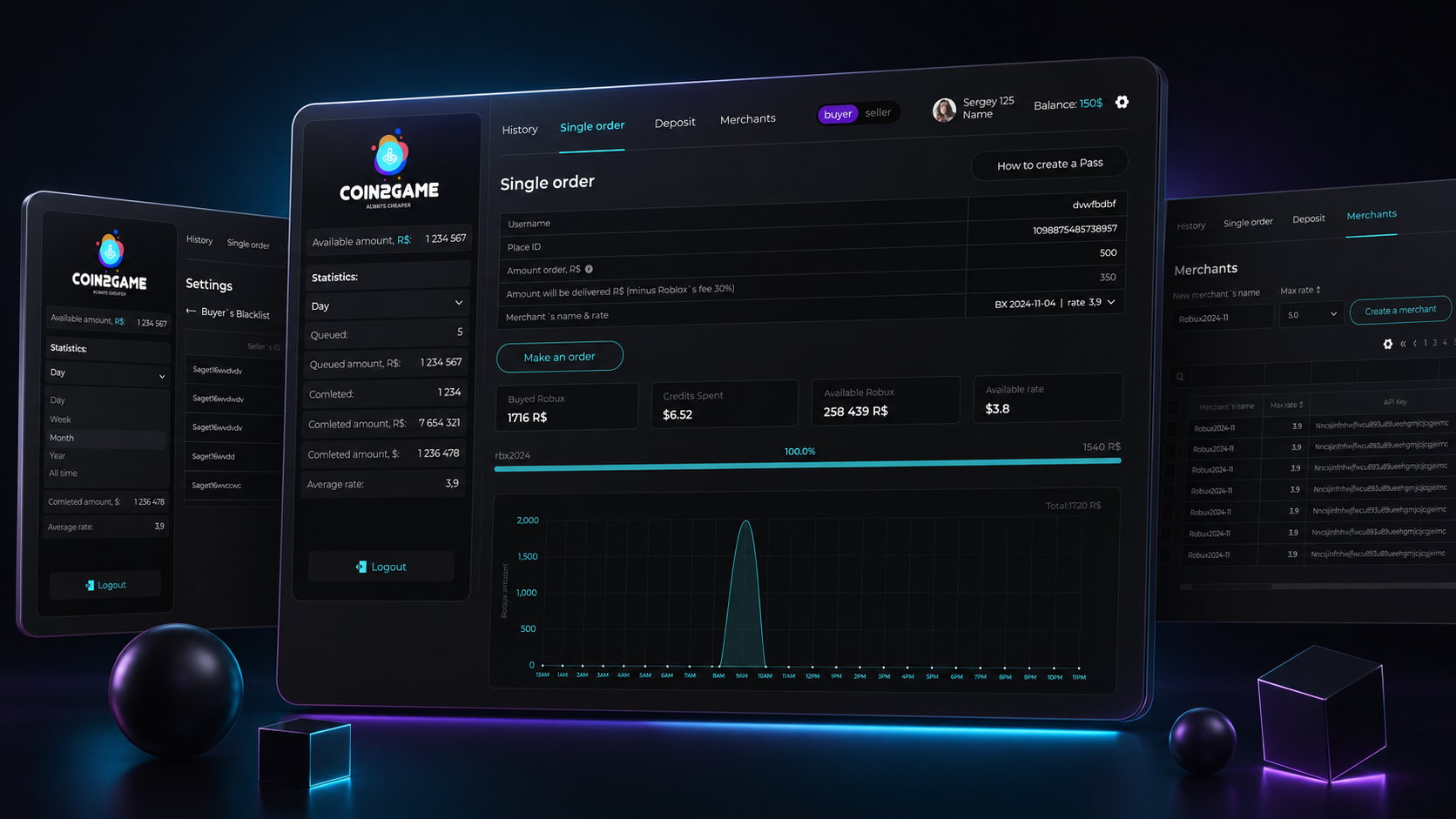
An operations team needs both balances and the state of each request: created, under review, in progress or requiring attention. Queue and detail views keep those states connected to the user.
Roles, search, filters and action history support daily operations. Overview and detail views help staff locate a transaction, understand its state and consult its history when a request needs investigation.
Request queue
Review
Operation and balance
Action history
Robux Management Panel brings requests, balances, transactions and operator work into one interface so the team can track every operation and resolve edge cases faster.
Context
For a virtual currency product, the team needs to understand where every request stands: created, under review, in progress, completed or waiting for manual handling.
Task
Build a web panel for the operations team: request queue, user cards, balances, transactions, roles, search, filters and activity history.
Focus
We focused on clear statuses, access control, fast operator actions and audit trails to reduce manual checks and process errors.
Visual layer
An operations center for requests, balances and transactions
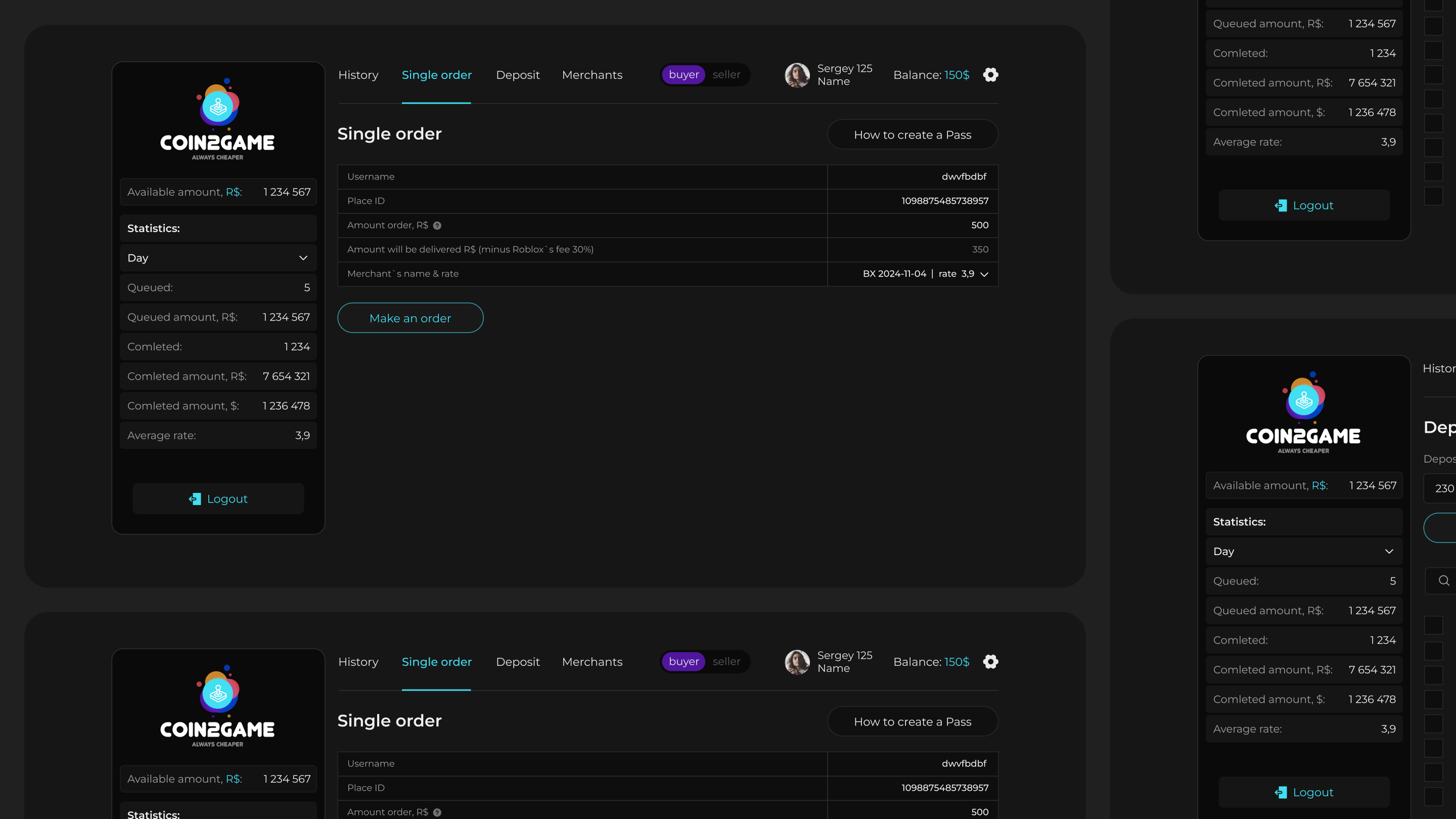
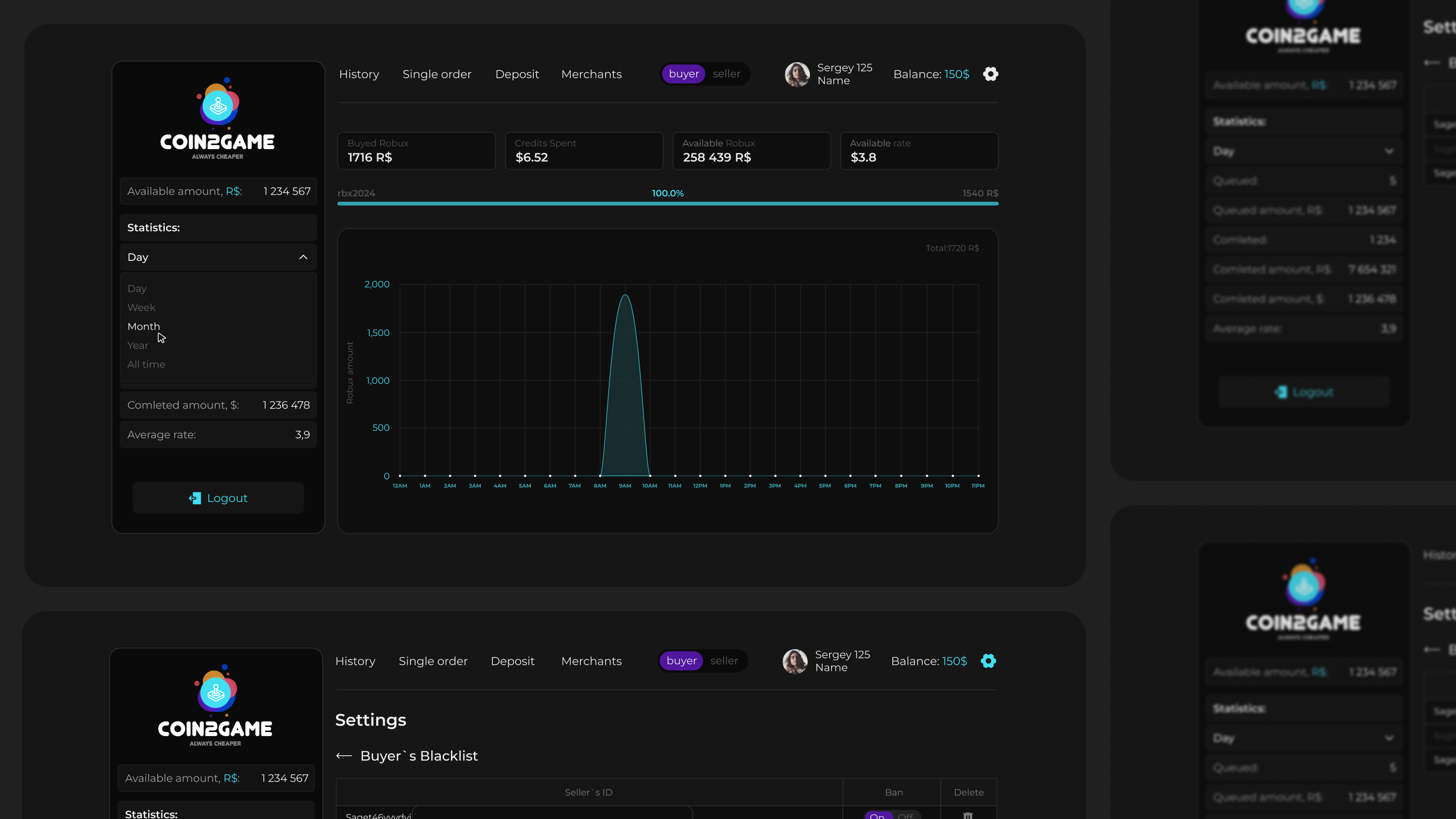
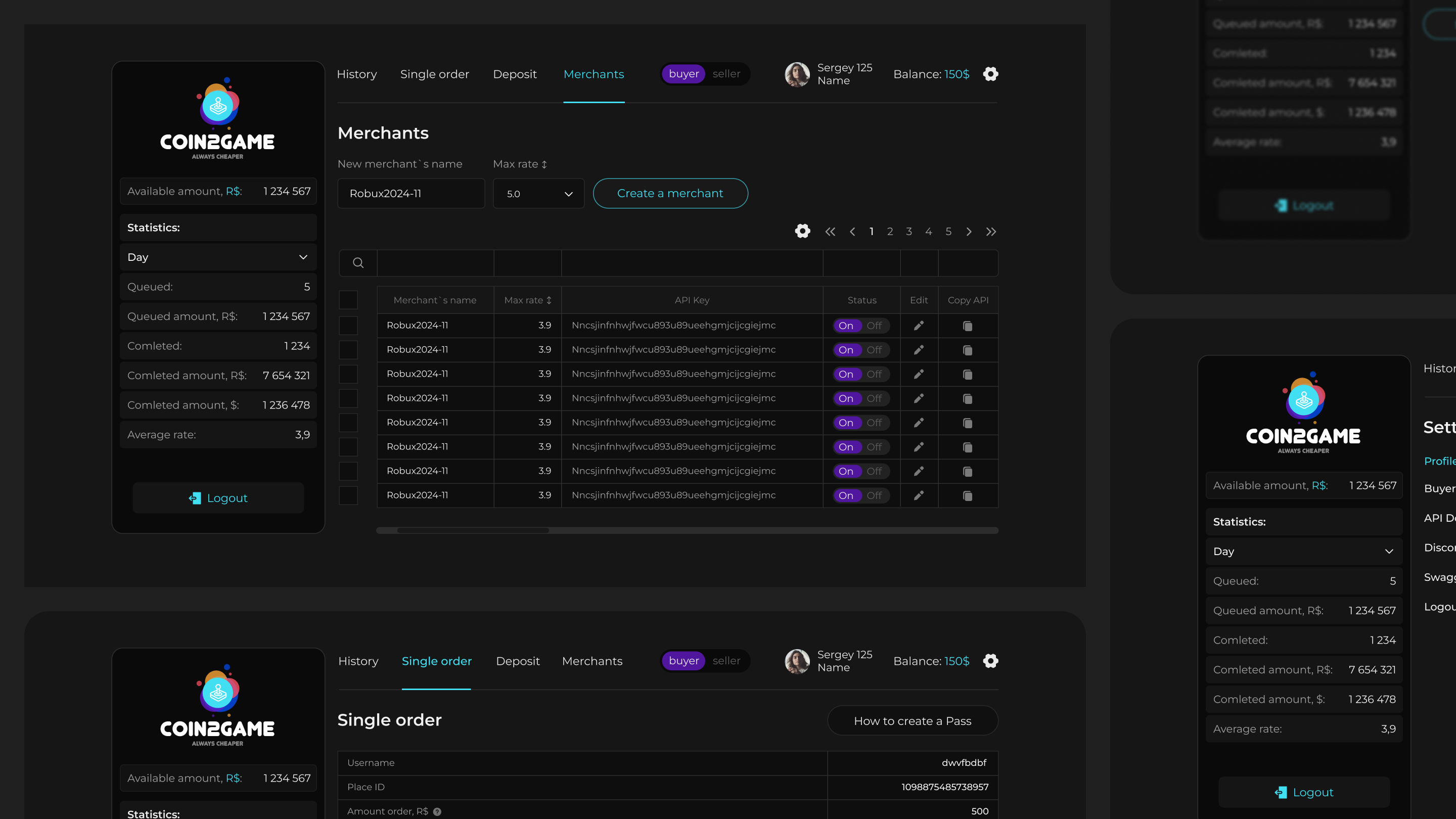
Inside the panel, operators see the request queue, amount, user, current status, comments and change history. Managers can monitor workload, disputed operations, team actions and the overall Robux payout picture.
What we did
From meaning to system
Defined roles and statuses
We separated operator, admin and manager scenarios, then described request statuses and the rules for moving between them.
Built working lists
We designed tables, status/date/user/operator filters, quick search and a clear way to open each operation card.
Added operation control
We planned activity history, comments, disputed request checks and a transparent change trail so the team can quickly trace any issue.
Result
A clear daily workspace for operational load
The team gets one place to manage Robux requests: fewer manual checks, clearer statuses, better operator ownership and easier operation audits.
- 1
- operations center
- 4+
- key request statuses
- 24/7
- activity history control
Related services
Build a product on the experience behind this case
Explore the relevant development directions, scope, timelines and launch approach.
Telegram Mini App developmentCustom CRM developmentMobile app developmentNext step